Jumpseller Dropshipping with Less Work Behind Every Sale

Connect your Jumpseller store to DSers to publish products, process AliExpress supplier orders, and keep customers informed after shipment. Spend less time copying product, order, and tracking details between platforms—and more time building your business.

Get Started
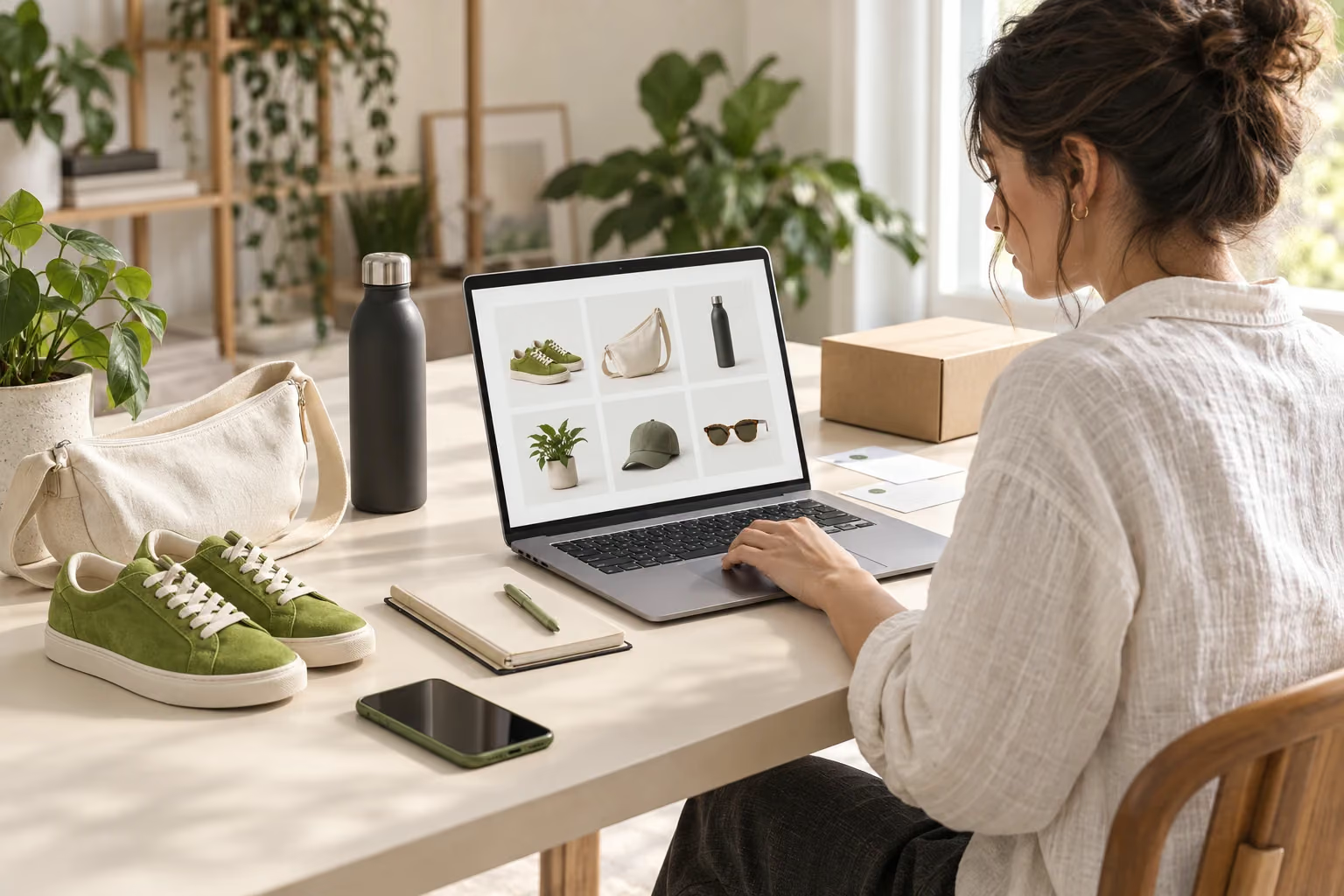
A Jumpseller merchant builds an online collection beside products and a shipping parcel

Your Store on Jumpseller. Your Supplier Workflow in DSers.

Your storefront is where you build your brand and win customers. DSers connects the work behind it, bringing product preparation, supplier ordering, and tracking updates into one place.

Keep selling through Jumpseller while DSers helps you manage the handoffs between your store and suppliers. Whether you are building your first collection or already receiving orders, you can add a connected dropshipping workflow to the store you want to grow.

Connect Your Jumpseller Store to Your Supplier Workflow

Add Products to Jumpseller Without Starting from Scratch

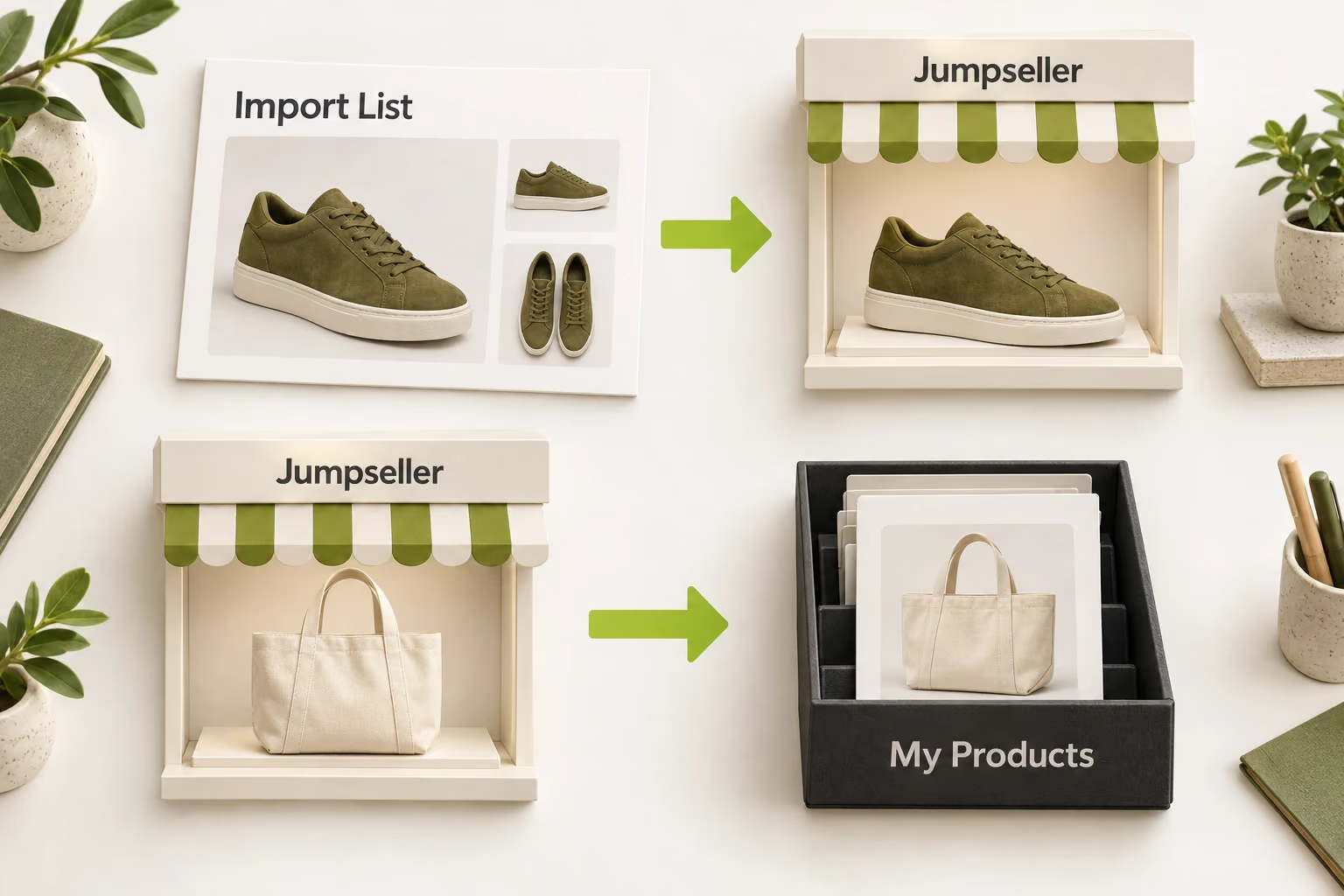
Import AliExpress products into DSers with their existing product details. Edit titles, descriptions, images, and prices, then publish the products to your Jumpseller store.

Prepare your listings in one place and send them to your store without copying the same information between platforms.

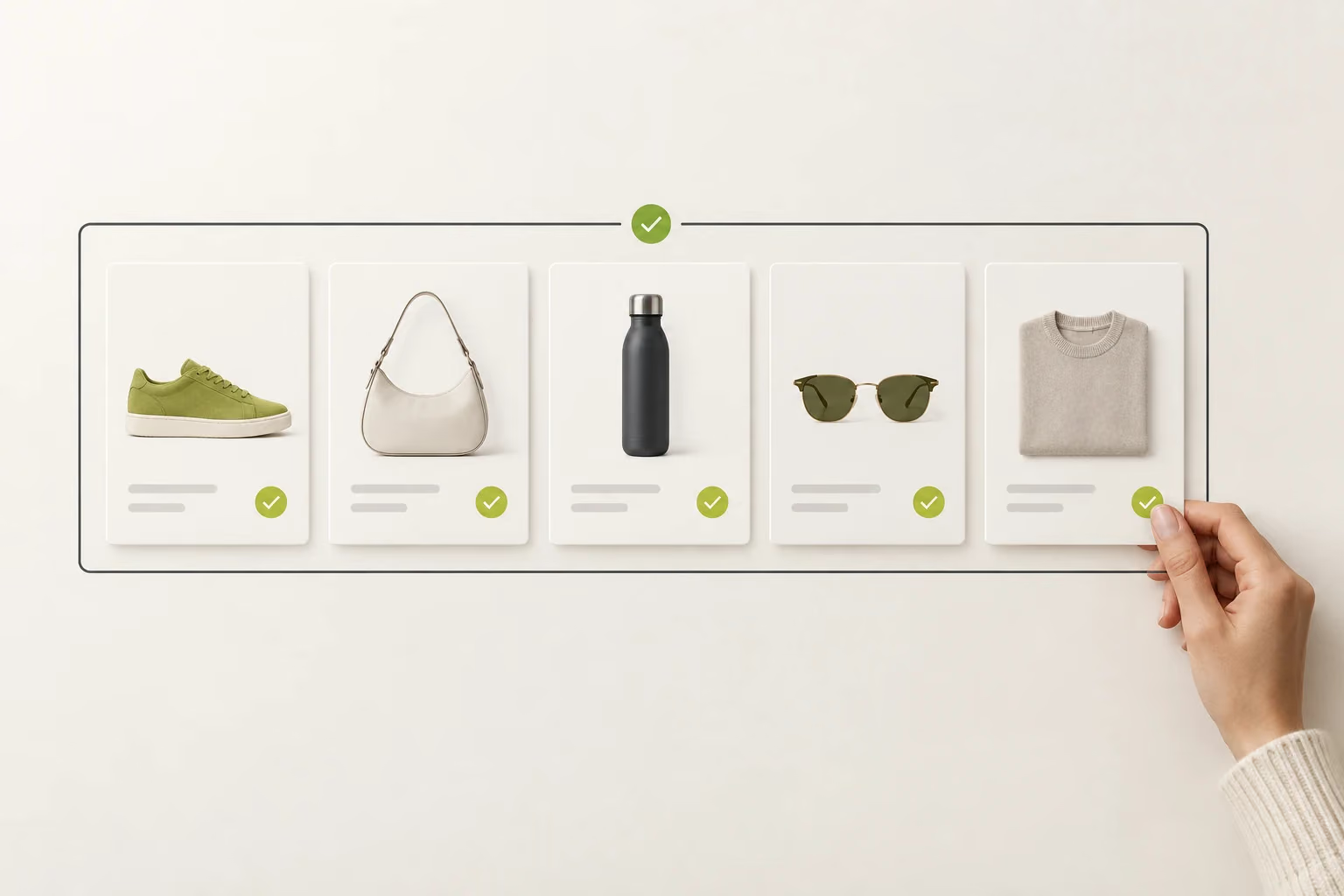
Shoes, a bag and a bottle arranged as a coordinated product collection

Process Jumpseller Orders in One Place

Jumpseller orders sync into DSers, where saved product mappings connect each ordered item to its supplier product and variant. Review the order details and submit orders to AliExpress without entering the same information again.

When multiple orders are ready, place them in batches to reduce repeated submissions.

Separate product order cards grouped for supplier order processing

Keep Shipment Updates in Sync

Once suppliers ship and provide tracking numbers, DSers syncs those numbers back to your Jumpseller orders. Shipment details reach your store without you collecting and copying each tracking number manually.

DSers also updates fulfillment status according to your settings. Shipping confirmation emails follow your notification preferences, so customers can receive shipment information as part of the same workflow.

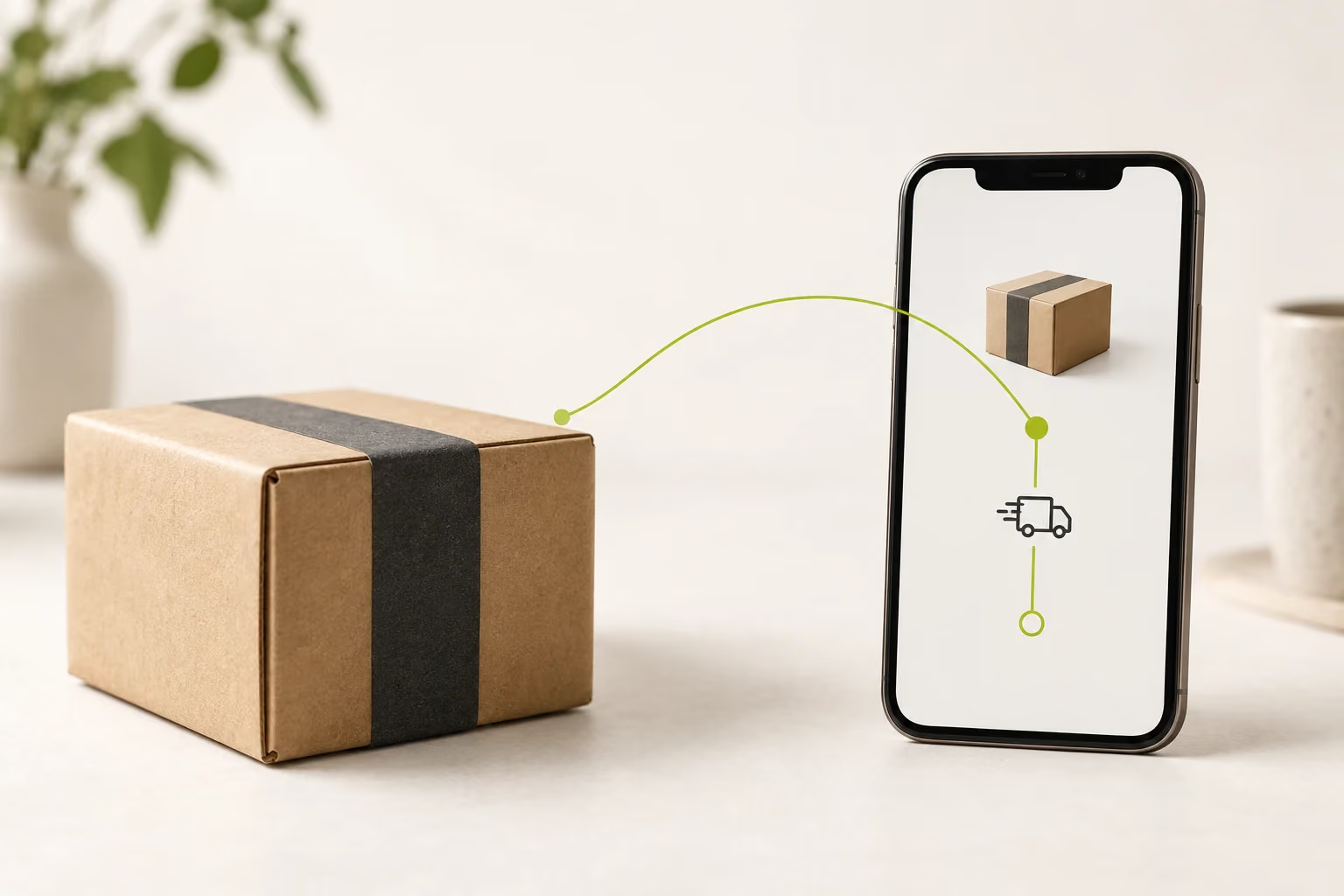
A shipped parcel connects to a shipment tracking update on a phone

Manage Supplier Operations Across Your Stores

Connect Jumpseller alongside your other stores in one DSers account. Access products and orders from a shared workspace, then filter by store to manage the supplier work for each storefront.

Whether you are adding another Jumpseller store or expanding from a different platform, choose a DSers plan with the total store and sales-channel capacity your business needs.

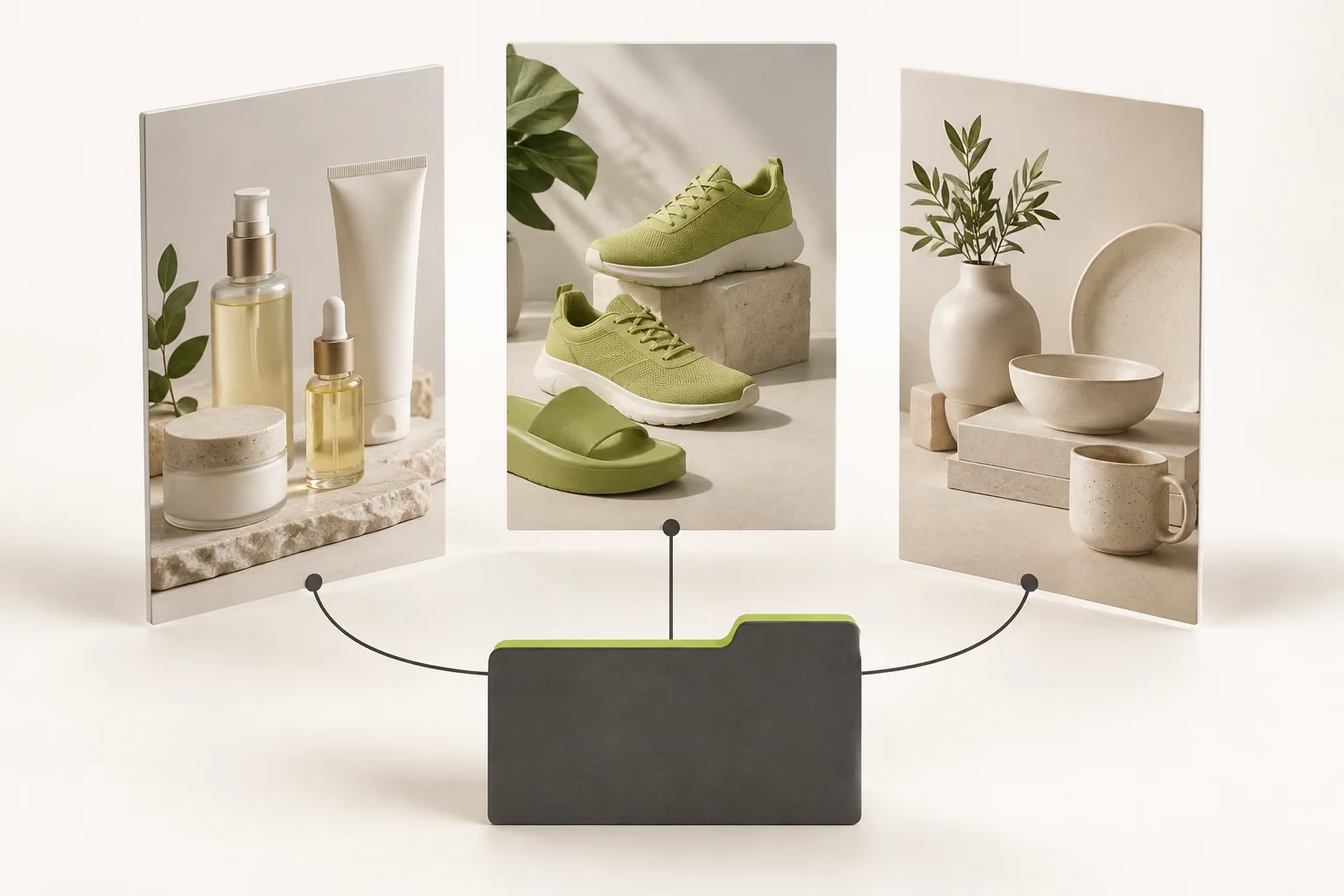
Three distinct storefronts connect to one shared supplier workspace

Keep Your Existing Jumpseller Listings

Import your existing Jumpseller products into DSers and map them to the corresponding supplier products and variants. You can then process their supplier orders through DSers without recreating the listings in your store.

Keep Jumpseller Orders Moving, from Sale to Shipment

Bring Jumpseller orders into DSers and manage supplier purchasing in one place. Saved product mappings link ordered items to their AliExpress suppliers, so you can review variants, delivery details, and shipping methods before placing and paying for supplier orders.

Once suppliers ship, DSers retrieves available tracking numbers and syncs them back to Jumpseller—keeping your store’s shipment information up to date without manually transferring tracking details for each order.

Get Your Store Ready in Four Steps

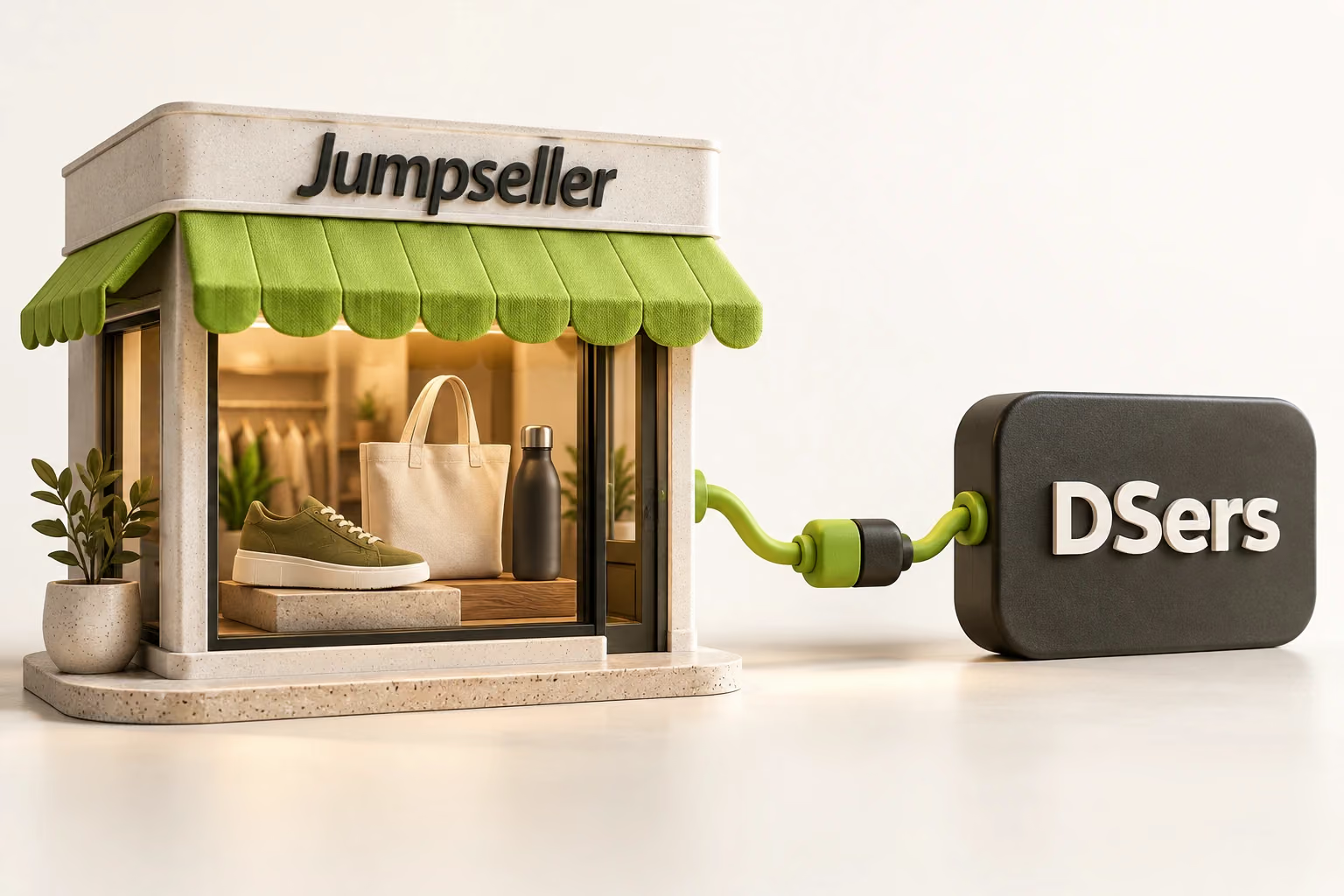
A Jumpseller storefront connects to DSers through a joined connector

1. Connect Jumpseller

In DSers, choose LINK TO MORE STORES, select Jumpseller, and follow the connection prompts to add your store.

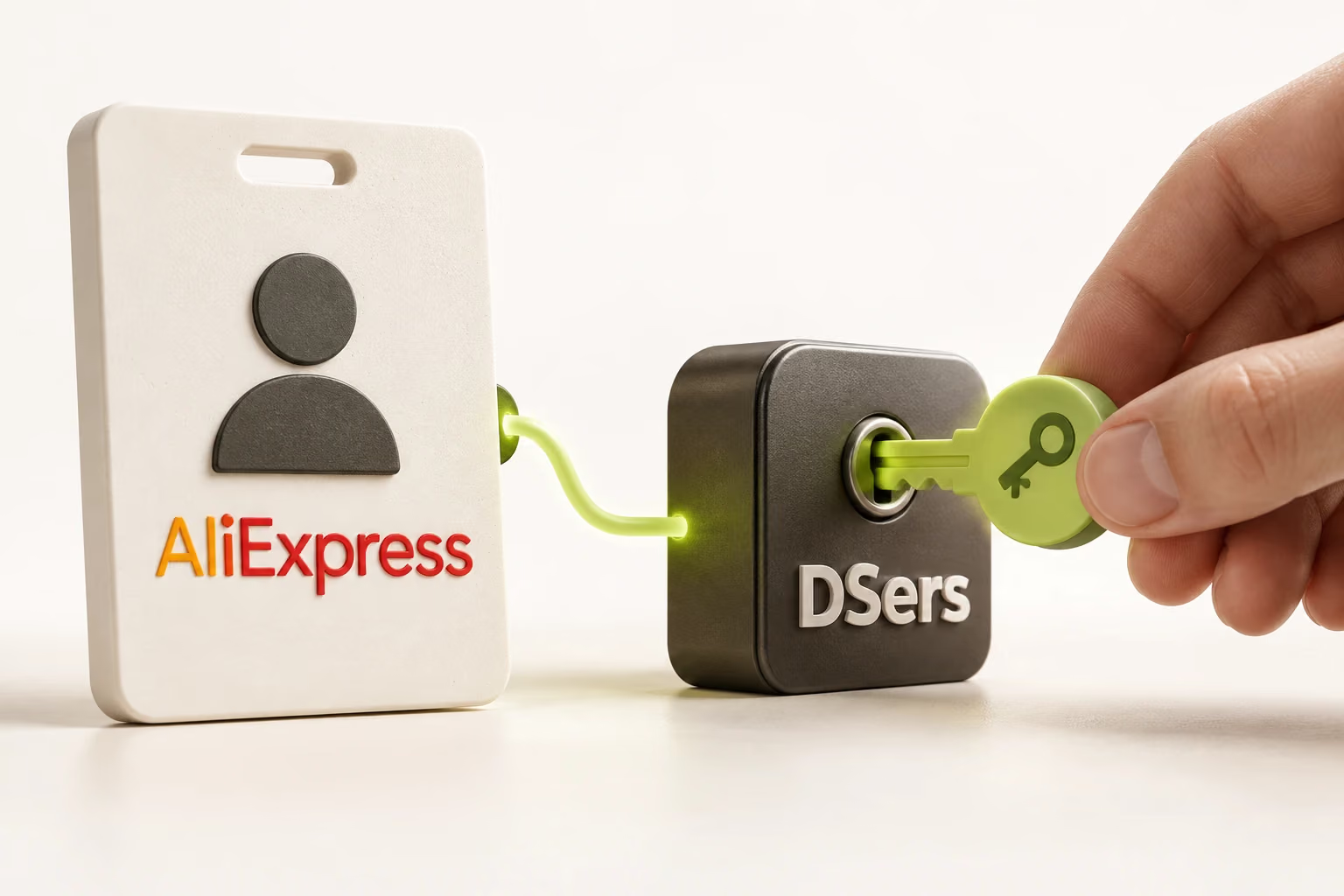
An AliExpress buyer account is linked to DSers using an authorization key concept

2. Link Your AliExpress Account

Go to Settings > Application Management > Suppliers in DSers and add your AliExpress buyer account. Complete authorization so DSers can submit orders and retrieve supplier updates.

New sneaker listings move from Import List to Jumpseller, while existing bag listings move into My Products

3. Bring Your Products into the Workflow

For new products, use the DSers Import List to import and edit listings, then select Push to Store for Jumpseller. For existing listings, import your Jumpseller products through My Products instead.

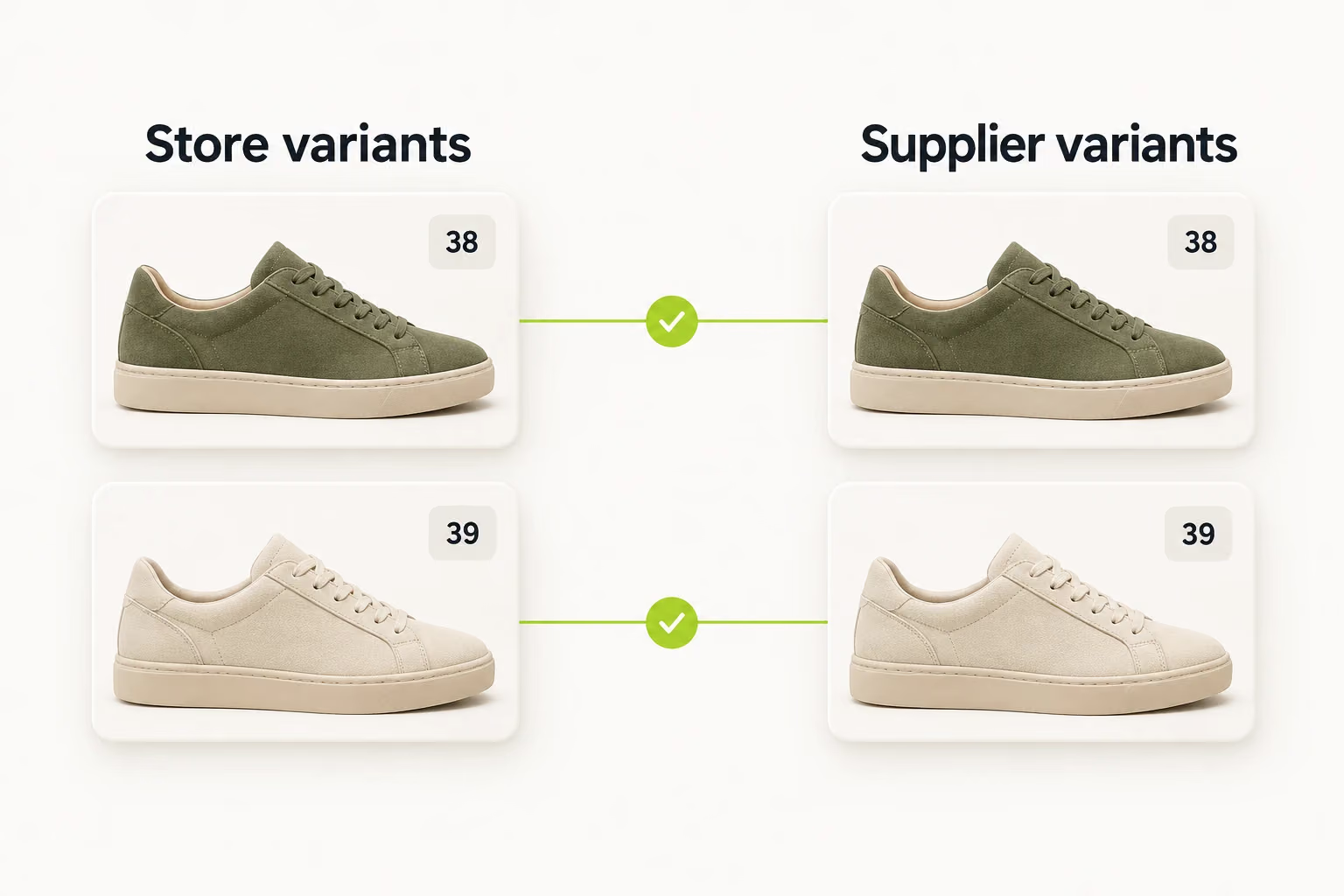
Olive size 38 and ivory size 39 store variants each match the same supplier variant

4. Set Up Product Mapping

Products pushed to your store through DSers are automatically mapped. Products imported from your store into DSers need mapping to be set up.

Make Your Next Sale Easier to Manage

Create your DSers account and connect your Jumpseller store.

Get Started

Jumpseller Dropshipping FAQ

What does DSers add to my Jumpseller store?

DSers connects product publishing, supplier order processing, and tracking synchronization to your Jumpseller store. Jumpseller remains your storefront; DSers helps manage the supplier work behind your sales.

Can I keep my existing Jumpseller products?

Yes. Import them into DSers and set up supplier mappings. You can prepare those products for supplier ordering without creating duplicate listings in your store.

Does customer checkout also pay my AliExpress supplier?

No. Customer payment and supplier payment are separate. You submit supplier orders through DSers, then complete payment on AliExpress.

How are multi-item Jumpseller orders fulfilled?

Jumpseller does not support DSers' separate-fulfillment option. DSers waits until all items have tracking numbers before fulfilling the order together. This updates order status; it does not combine separate supplier shipments into one parcel.

Can I manage Jumpseller with another sales channel?

Yes, with a plan that supports multiple sales channels. Check both the channel limit and total store limit on the DSers pricing page when choosing your plan.